Rasko
FeaturesPricingGuidesAboutContact
Sign inStart free trial
FeaturesPricingGuidesAboutContact
Sign inStart free trial
Home/Technician Management Software
Guide · Technicians

Technician Management Software for Service Teams (2026)

Your technicians are your capacity. Technician management software decides who does what, gives them what they need on their phones, records their work under their name, and keeps your customer data safe when people come and go.

Updated 5 October 2026 8 min readAuthor: Pradeep Reddy
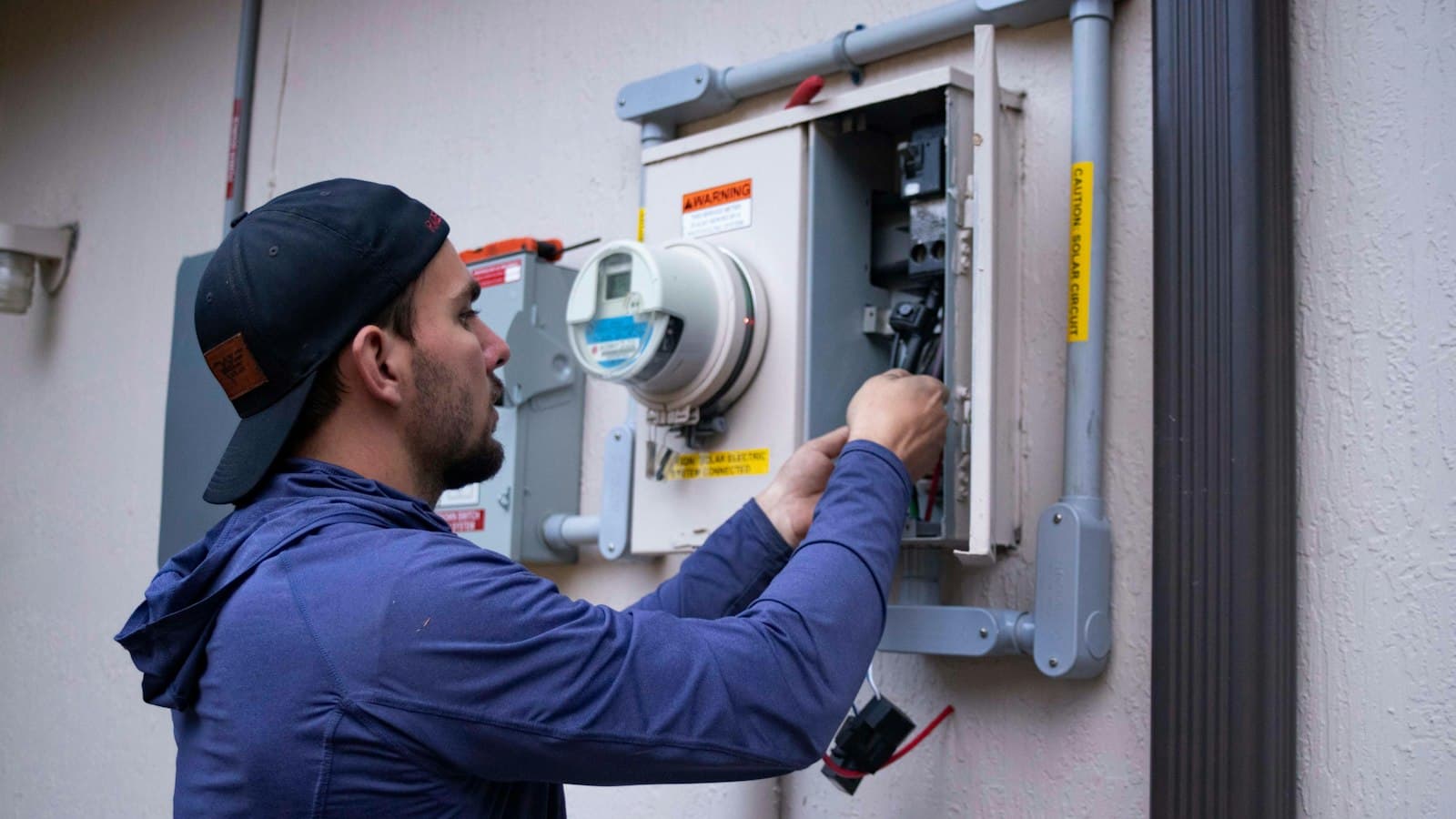
Field technician servicing an electrical meter on site

Run your repair & service business on Rasko

Job cards, GST billing, inventory, AMC & WhatsApp updates. 90-day free trial, no card needed.

Start free trial

The numbers at a glance

~72%

Cross-industry median first-time fix rate; technician information is the main lever

Vendor-compiled benchmarks

500M+

Monthly WhatsApp users in India, the channel technicians already use

Meta / DataReportal

16.4%

Annual growth of India’s field service management market to 2030

MarketsandMarkets

152M

Smartphones shipped in India in 2025; every technician carries one

IDC

On this page

  1. What it covers
  2. Roles and permissions
  3. Assignment and workload
  4. Joiners, leavers and outside technicians
  5. Features to look for

Key takeaways

  • Assign every job to a named technician, so ownership, workload and quality become measurable.
  • Use roles so each person sees only what they need. Owners control activation and removal.
  • Technician notes should be timestamped and permanent, so history stays trustworthy.
  • When people leave, block access instantly but keep their work and name on the record.

What technician management software covers

Technician management software is the people side of service operations: who is on the team, what they can access, which jobs and visits they own, what they recorded, and how much they get done. Vendor-compiled benchmarks put the cross-industry median first-time fix rate around 72%. Giving technicians the job history and parts information before they start is one of the biggest levers on that number.

Roles and permissions

RoleTypical access
Store ownerEverything, including billing, subscription, and activating, deactivating or removing members
AdminDay-to-day management: users’ details, settings, all jobs and reports
Manager / coordinatorIntake, scheduling, assigning jobs, customer communication
Engineer / technicianTheir assigned job cards and visits: observations, action taken, parts, status
FreelancerLimited access for part-time or contract staff
Outside service partnerOne job at a time through a link, with no customer details

Assignment and workload

  • Assign on creation: every job card, lead and AMC visit has an owner from the start.
  • Notify the assignee: on WhatsApp and in the app, so nobody misses new work.
  • Filter by technician: open jobs per person, overdue jobs and jobs waiting for parts.
  • Measure output: jobs closed per technician and repeat visits per technician.
  • Attribute notes: each observation and action is saved with the author’s name and time.

Joiners, leavers and outside technicians

Staff turnover is a fact of life in service businesses. Your software should make three things easy:

  1. Adding someone: a login with the right role in a minute.
  2. Deactivating someone: access blocked immediately, on web and mobile, without deleting anything.
  3. Removing someone permanently: they leave the store, but every job card, note and invoice they created keeps their name.

Outside technicians, such as a chip-level specialist or a contractor in another town, need access to the job, not to your business. Give them exactly one job, without your customer list.

Features to look for

  • Roles: owner, admin, manager, coordinator, engineer, freelancer.
  • Assignment on job cards, leads and AMC visits, with WhatsApp and push notifications.
  • Mobile app for technicians.
  • Activity log on every job, and login activity for the team.
  • Deactivate (blocks login) vs remove (former member, history kept).
  • Outside technician access limited to a single job.
  • Reports by technician.

How Rasko does it

Rasko supports admin, manager, engineer, coordinator and freelancer roles under the store owner. Only the owner can activate, deactivate or remove members. Deactivated members can’t sign in on web or mobile. Removed members become former members whose past work keeps their name.

Assignees are notified when they get a job, and every change to a job card is recorded in its activity log. Outside technicians work as service partners on one job at a time, without seeing your customers.

Field teams? Read our field service management software guide.

Frequently asked questions

What is technician management software?

Technician management software helps a service business assign work to technicians, control what each person can see and do, give them job details on their phone, record what they did, and measure workload and output — for in-house staff and, ideally, outside technicians too.

What roles should technicians have in the software?

Typically: owner and admins with full access; engineers or technicians who see and update their assigned jobs; coordinators who handle intake and scheduling; and freelancers with limited access. Only the owner should be able to activate, deactivate or remove members.

What happens to a technician’s records when they leave?

Their work should stay. In Rasko, deactivating a member blocks their login immediately, and removing them from the store keeps every job card, note and invoice they created with their name intact — while freeing their account to join another store later.

Can outside technicians use the software without seeing customer data?

With Rasko’s service partner feature, you assign a single job card to an outside technician. They open it through a WhatsApp link, verify with an OTP and can update that job — seeing your store and the device, but never your customer’s name or number.

How much does technician management software cost?

Rasko’s Full plan (₹599/month or ₹5,999/year, plus GST) includes unlimited team members; the Jobcards plan (₹299/month) allows the owner plus 3 users. Both start with a 90-day free trial.

More guides

Field Service Management SoftwareFSM market size in India and worldwide, the features field teams actually use, the AI shift underway, and a buyer's checklist for 2026.Read guide AMC Management SoftwareRun annual maintenance contracts properly: covered equipment, visit schedules, technician assignment, instalments and renewals, with GST invoicing built in.Read guide Job Card SoftwareWhat a digital job card should capture, how job card software replaces paper job sheets, and how to choose one for your repair or service business.Read guide Service Management SoftwareBookings, job cards, AMC contracts, technicians and GST billing in one place — what service management software covers and how to pick one.Read guide

Try Rasko free for 90 days

Job cards, GST billing, inventory, AMC and WhatsApp updates in one app for Indian repair and service businesses. No card needed.

Start free trialSee all features
Rasko

GST billing, inventory and field service management in one platform — built for service businesses across India.

  • support@rasko.in
  • +91 88866 63182
Get it onGoogle Play

Product

  • Features
  • Pricing
  • Android app
  • How it works
  • FAQ

Company

  • About us
  • Contact
  • Sign in
  • Start free trial

Guides

  • All guides
  • Service center software
  • Repair management software
  • Repair shop software
  • Service management software
  • Field service management

Legal

  • Privacy Policy
  • Terms & Conditions
  • Refund Policy
  • Shipping & Delivery
  • Delete account

© 2026 Rasko Technologies Pvt. Ltd. All rights reserved.

CIN U62099KA2024PTC192358 · GSTIN 29AANCR9122L1ZO

Made in India 🇮🇳 · Data hosted in India